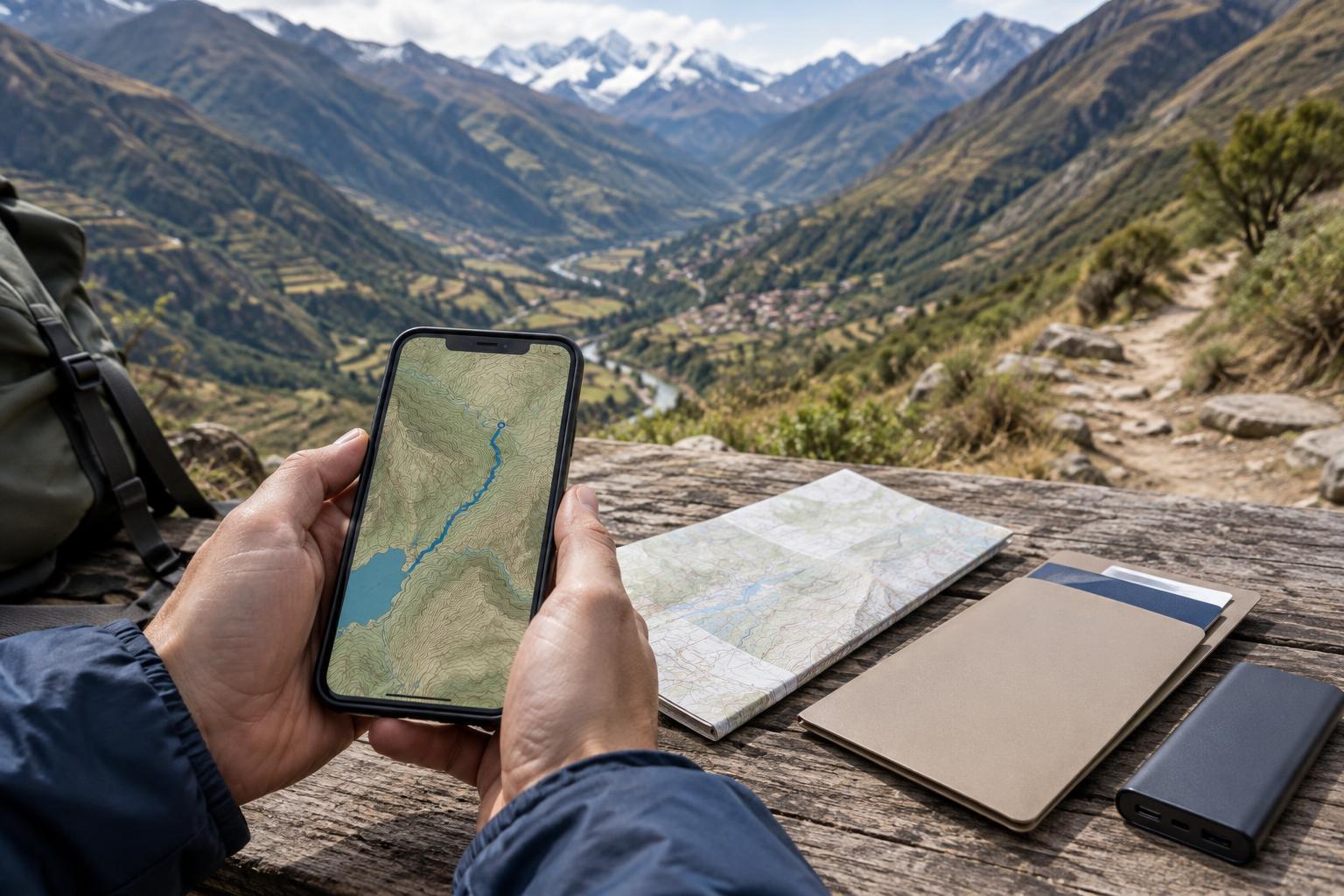
Think of offline access as part of your route planning
A connection that works in a city may disappear on a mountain road, in a valley or along a walking route. Even where mobile coverage exists, your phone may struggle indoors or run out of battery before you reach your accommodation. Preparing for those gaps is less about installing every travel app you can find and more about deciding what information you will need at each stage of the journey.
Start with a simple list: arrival details, accommodation addresses, transport bookings, meeting points and the routes you expect to follow. Note which items you might need while standing outside, changing buses or speaking with a driver. Download them while you have reliable Wi-Fi, rather than waiting until you are on the move. If you are travelling with someone, agree which details each of you will keep accessible.
Download maps that cover the whole journey
In your preferred map app, save an area large enough to include your starting point, destination and plausible alternatives. A tiny download centred on a town may not help on the road leading to it. For a multi-stop trip, check that adjoining areas are covered and that the app permits offline use in the places you plan to visit. Map downloads can expire or need updating, so refresh them before leaving a dependable connection.
Test the map in airplane mode. Search for your accommodation and key transport points, then check whether you can zoom in far enough to recognise streets or paths. Save important places with clear names; an address in the local spelling is often more useful than a vague pin labelled “hotel.” Keep in mind that a downloaded map may show your location using your phone’s positioning system, but live traffic, transit updates and some search features may still require a connection.
For walks, treat a phone map as one aid rather than your sole guide. A marked line on a screen does not confirm that a path is open, safe or easy to follow. Carry route notes or a suitable paper map when the walk calls for one, and check local conditions before setting out. If you are using a guide, follow their route advice rather than assuming a saved track is more reliable.
Keep documents easy to find and usable offline
Gather the details you are most likely to need: booking confirmations, tickets, insurance information, emergency contacts and a copy of your passport identification page. Save important files to your device, not only to a cloud folder that looks available while you are online. Open each file with mobile data and Wi-Fi turned off to make sure it is actually downloaded. Give files plain names, such as “Accommodation – first night,” so you can find them quickly.
A screenshot can be handy for a booking reference or address, but it may omit conditions, departure details or a later change. Keep the full confirmation too, and check for updates when you next connect. Where a provider requires an original document, a printed ticket or a specific format, a phone copy may not be enough; follow the instructions on your booking. Consider carrying a small paper note with your first-night address and an important contact number in case your phone is unavailable.
Protect the information you carry
Convenience should not mean leaving sensitive documents in an unlocked photo gallery. Use a device passcode and, where available, secure storage for passport and insurance copies. Save only what you reasonably need, avoid sharing an open folder of personal documents with travel companions, and remove unnecessary copies after the trip. If you use cloud storage as a backup, check that you know how to reach it from another device.
Your phone also needs power to be useful. Charge it before travel days, pack the correct charging cable and consider a power bank suited to the length of your journey. Put the phone away between navigation checks, reduce screen brightness when practical and avoid relying on it to record every moment of a long walk. Keep a separate way to contact your accommodation or fellow travellers if your plans change.
Run one final no-signal rehearsal
Before departure, switch on airplane mode and work through a likely travel day. Can you find the route from the arrival point to your accommodation? Can you read the address, show a booking reference and locate an emergency contact without opening an email? Can your travel companion do the same if your phone fails? Fixing a missing download at home or at your accommodation is much easier than discovering the gap in transit.
Leave room for plans to change. Downloaded information is a snapshot, not a guarantee that a service, route or opening time will stay the same. When you regain a connection, check essential updates and refresh your files. With a few tested maps, clearly named documents and a modest paper backup, your phone can remain helpful without making your trip depend on a constant signal.